
Searching Montgomery County Civil Dockets
The public way into these records is the Montgomery County Clerk of Courts PRO portal. It covers Common Pleas General Division civil cases, county Municipal Eastern and Western civil cases, Domestic Relations matters the clerk includes, and Second District appellate records. Open the General Search tab. From there you can query by case number, party or company name, case type, action type, ticket number, or a begin and end date range.
An exact case number works best. For a party search, start with the last name and first name. Then add a date range and case type. One caution applies: PRO returns only the first 1,000 matching records. If a broad name search brings back nothing useful, narrow the terms. Do not conclude the court has no record on one empty search.
- Open PRO and select General Search.
- Enter the case number, or enter a last name and then a first name.
- Select CIVIL for General Division, or the applicable East or West municipal civil category.
- Add an Action Type or a date window to reduce the results.
- Open the case and read the most recent docket entry before relying on an older setting or notice.
Montgomery County CIVIL and Action Type
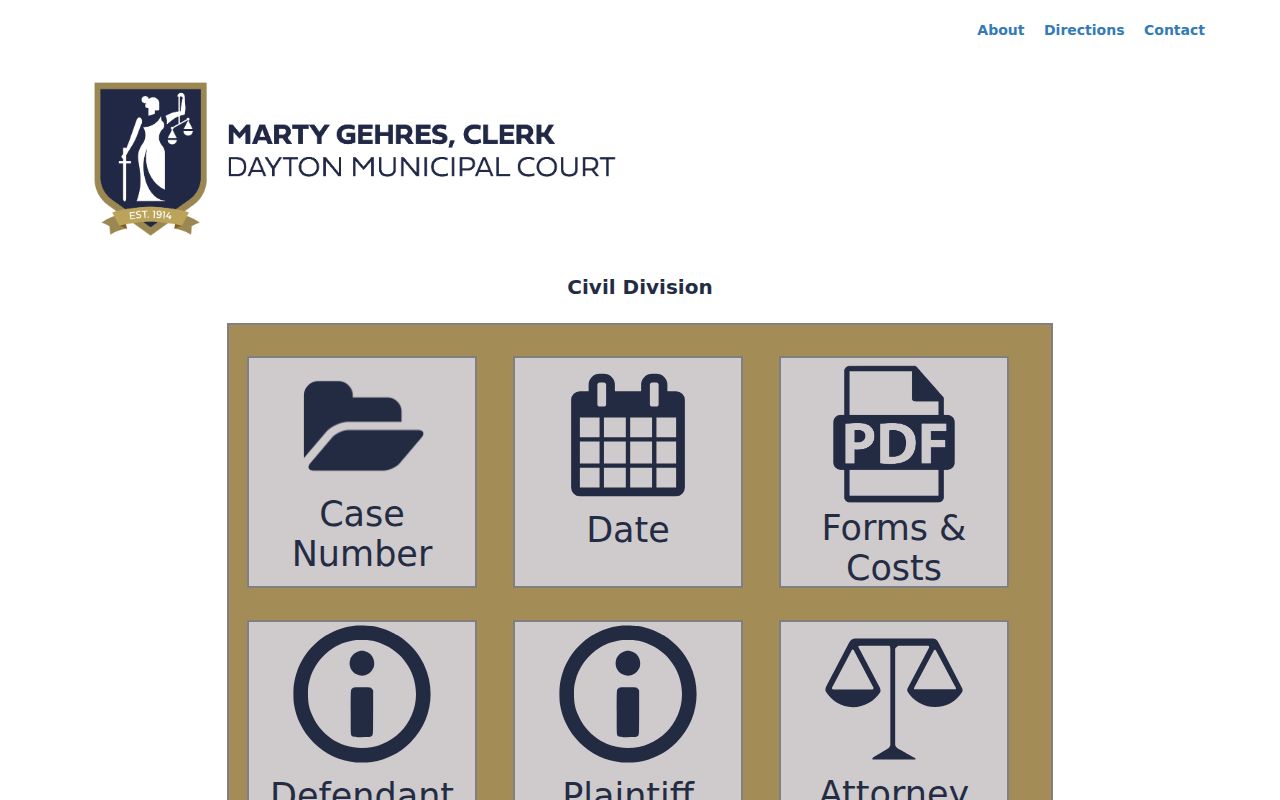
Civil searching in PRO happens on two levels. CIVIL is the broad Common Pleas category, and an Action Type filter sits under it. The list includes administrative appeal, appropriation, declaratory judgment, forcible entry, injunction, medical malpractice, mortgage foreclosure, other tort, personal injury, product liability, professional tort, and workers' compensation. That filter earns its keep when a party name pulls up dozens of unrelated records. The Dayton Municipal Court civil-search source shows a different setup, a reminder that a city court does not always share the county system.
Choosing a Civil or Action Type label only narrows the search. It says nothing about what judgment, if any, the court later entered.
Inside a Montgomery County Civil Docket
What will you see inside a case? PRO calls its docket an online view of major case events, and the clerk says these entries match the official court docket exactly. A public civil view usually links a case number to the court, the case type, the parties, dated events, and any related document images. How much detail appears depends on the court and on whether an item may be shown remotely.
| Case number | Identifies the year, type, court, and sequence. General Division calendar examples use CV for civil. |
|---|---|
| Case type and action type | PRO’s classification fields identify the civil category used for search narrowing. |
| Case style | The party or organization name context returned by the case index. |
| Docket entries | Dated filings, service, notices, motions, settings, orders, judgments, and later enforcement activity. |
| Documents | Redacted images may normally appear 48 to 72 hours after filing, subject to access and technical limits. |
Read any docket label together with the entry that follows. A hearing notice is just a setting. The judgment, dismissal, or other final action arrives later, through its own entry or order.
Montgomery County Civil Court Choices
Two courts split the civil workload. Montgomery County Common Pleas Court, General Division, takes the major civil matters. County Municipal Court handles civil and small-claims cases within its statutory territory. The Clerk's published schedule caps Municipal civil claims at $15,000 and small claims at $6,000. Jurisdiction and venue exceptions still matter. Even so, those dollar limits are a good guide. They show which court holds the case you want.
For routing, the county public-records routing page sends court-case requests to the Clerk of Courts.
A county Municipal civil file also needs the right geographic division. PRO's Eastern and Western categories are not interchangeable, so confirm the division first.
Civil Case Types on the Docket
Civil dockets in Montgomery County hold many kinds of disputes. General Division cases use the CIVIL category plus an action type. County Municipal searches work with more specific paired categories instead. Treat these labels as finding tools only. The docket and the court order supply the actual procedural history.
| Route | Local search category | What the category helps identify |
|---|---|---|
| General Division | CIVIL plus Action Type | Major civil cases such as foreclosure, tort, injunction, or administrative appeal. |
| Municipal East or West | CVIE / CVIW | Small claims in the appropriate county Municipal division. |
| Municipal East or West | CVFE / CVFW | Contract case categories. |
| Municipal East or West | CVGE / CVGW | Forcible entry, or FED, categories. |
| Municipal East or West | CVRE / CVRW | Rent-escrow categories. |
Montgomery County FED Docket Terms
FED is the Clerk's filter label for forcible entry. PRO splits it into FED Eastern and FED Western. That split is one more reason to pin down the county Municipal division before you search. Later docket entries might include a setting, a judgment, a certificate of judgment, an execution, or something appeal-related. A closed case alone does not tell you what order the court entered. An old hearing entry does not either.
- Scheduling conference
- A court event used to organize later deadlines or settings.
- Certificate of judgment
- A judgment-related record that appears in PRO’s search categories as CJ.
- Execution
- A post-judgment process category with its own PRO case-type label.
- Forcible entry
- The local FED label used in the municipal civil categories.
Civil Docket Settings and Hearings
A Montgomery County civil docket can trace a case from start to finish. Along the way it may show service, an answer, motions, discovery or case-management events. A pretrial and trial may appear too. A dispositive order and judgment or dismissal may also appear. The General Division daily grid adds the judge, time, case number, event, floor, and room. It covers listed events. That grid gives current appearance context. The full docket holds the history behind a setting.
Dates change. When one does, rely on the newest docketed notice or order. A continuance moves an earlier hearing or deadline. A later entry can be the only sure sign. It shows that an old setting no longer controls. The separate Montgomery County court-date information walks through the calendar route for each division.
Montgomery County Domestic Relations Records
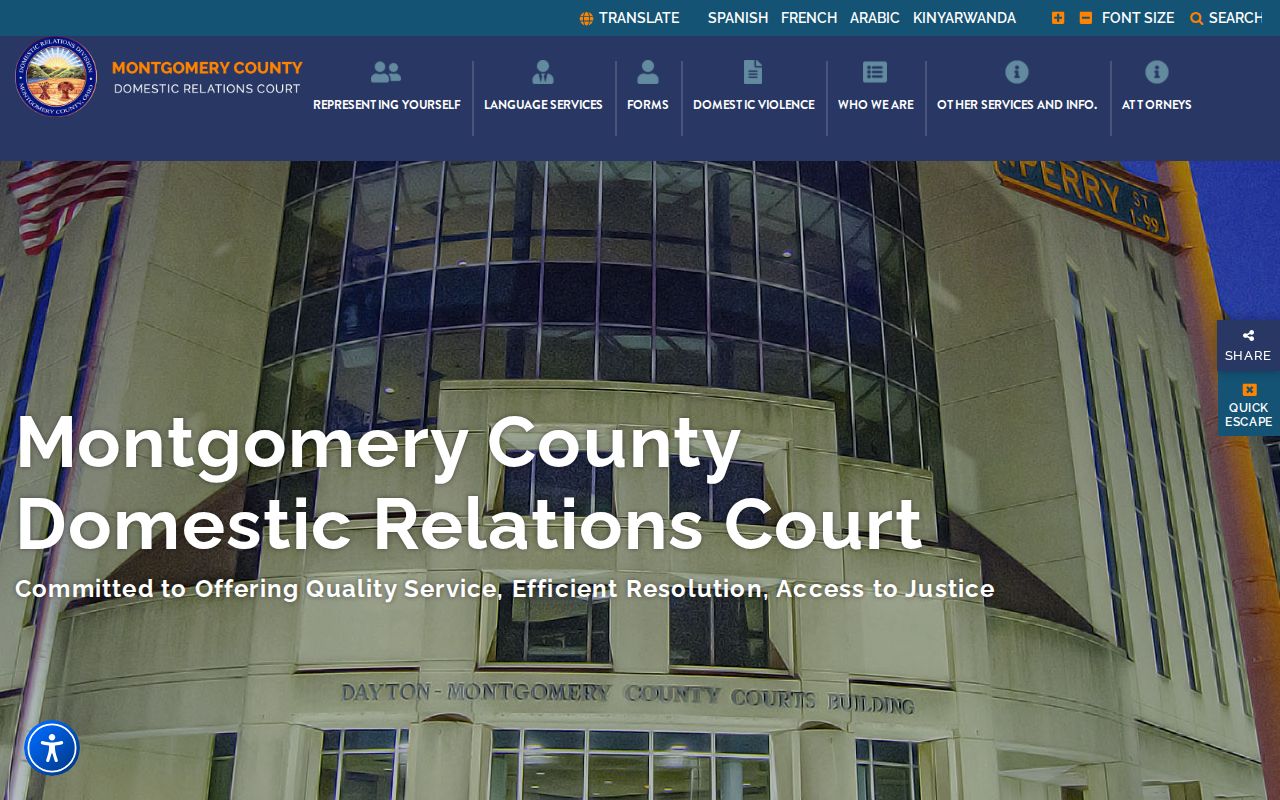
Domestic Relations is its own division of the Court of Common Pleas. The clerk's published public-record coverage for PRO covers divorce, dissolution, legal separation, and annulment. These are the listed case types. Some protection-order categories are excluded from online PRO information. So a missing online result settles little. It does not prove whether a related court file exists. The Montgomery County Domestic Relations Court is the division's official source.
Need a hearing setting in that division? Once the case is identified, the Assignment Office is the documented direct fallback.
Civil Docket Access Rules
Documents are public records, the Montgomery County Clerk says. The PRO interface is a deliberately limited online version. It can trace a civil docket's entry history. It cannot certify the browser view, though. Redacted civil records may still be viewed at the clerk's office during normal business hours, even where no online image exists.
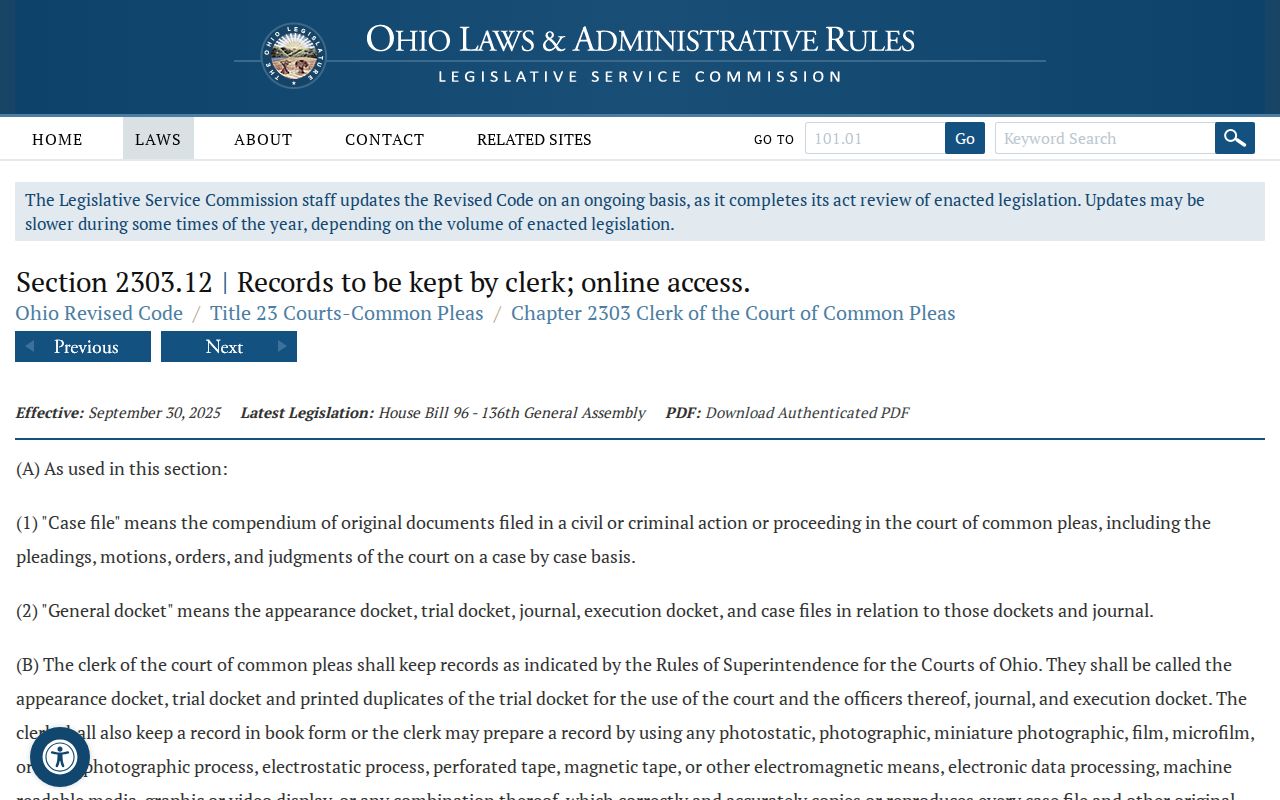
Ohio Revised Code 2303.12 spells out the Common Pleas clerk's docket duties and the requirements for readable reproduction.
Why is the PDF missing? A document may still be in redaction processing, marked confidential, unavailable for technical reasons, or suppressed from the online view on purpose, and none of that is a ruling on the case.
Montgomery County Civil Docket Public Access
Ohio Rules of Superintendence 44 and 45 govern access to court records. The rules presume public access. A court may still restrict a whole document or a slice of one. The stated standards control. Want restricted material? Go through the court's or clerk's applicable process. Do not guess from the public search screen. That screen never tells you what access is possible.
The Supreme Court of Ohio's rules source lays out the statewide framework for court-record access.
Note: seeing a case online, viewing it at the courthouse, and holding a certified copy are three different forms of access. Each one runs through the local clerk process.
Montgomery County Civil Docket Copies
Need a plain, certified, or authenticated civil record? Use the Clerk's published records request process. Rates are simple. Regular pages run $0.10 each, certified pages $1, and an authenticated or exemplified copy $5. Common Pleas requests go in person, by mail, or by email through the Records Section at 41 N. Perry Street, Room 104, Dayton, OH 45422.
Municipal requests work differently. They go in person, by telephone, fax, or mail to the correct Eastern or Western Division. Mail requests need advance payment after the clerk provides a page count, plus a self-addressed stamped envelope. Help the clerk find things. Give a case number, the court or division, the docket or document wanted, the copy type, and the delivery method.
Montgomery County Historic Civil Dockets
Older civil research does not run through live PRO results. The Montgomery County Records Center and Archives is the place. Its Civil Case Blotters and Appearance Dockets date to 1803. Later civil case files and microfilm sit there too. Civil and Domestic Relations case indexes run through 1973. So a PRO no-result proves little. It does not mean the court record is gone. Nor does it mean the civil matter was never filed.
The archive keeps physical and microfilm materials. It does not hold an online case for every historical record. A request should identify the court, the date range, and the record type. Include any known case or party identifier. The published location is 117 S. Main Street, sixth floor, Dayton. Weekday hours are 8:00 a.m. to 5:00 p.m. The staff is small. A queue may exist. An exact time period and court division make an older civil-docket search far more workable.
Historic materials stay separate from current PRO case results. A modern civil case belongs in the right search category. Use the correct General Division or Municipal East or West category for anything current.