
Getting Montgomery County Court Records
Start with the court that owns the case. The Montgomery County Clerk of Courts serves Municipal Court of Montgomery County, the Common Pleas General and Domestic Relations divisions, and the Second District Court of Appeals of Ohio. Its Public Records Online v3, or PRO, is the main online index for those covered cases. Probate has its own search and clerk, Juvenile has a separate clerk operation, and Dayton, Kettering, Miamisburg, Oakwood, Vandalia, and other independent municipal courts can use their own record systems.
For Common Pleas records, the Clerk's published routes are PRO for a public online view, an in-person request, mail, or email to the Records Section. County Municipal copies can be requested in person, by telephone, fax, or mail at the appropriate Eastern or Western Division. A browser view helps locate the case and document, but it cannot certify a record.
- Identify the court or division, case number if known, and the item needed: docket, entry, judgment, or filed document.
- For a PRO-covered case, search Clerk PRO by the most exact available case or ticket identifier, then use a name, case type, or date range to narrow when needed.
- Choose the copy type. An online docket view may be enough for reference; request a regular, certified, or authenticated copy only if that is the form required.
- Send a Common Pleas request to the Records Section in person, by mail, or by email. Send a County Municipal request to the division that heard the case, not to a different counter merely because PRO displayed it.
- For mail, obtain the page total first, prepay it, and include a self-addressed stamped envelope. Keep the court and case reference with the request.
For the Clerk's official request instructions and copy schedule, consult the Records Request page.
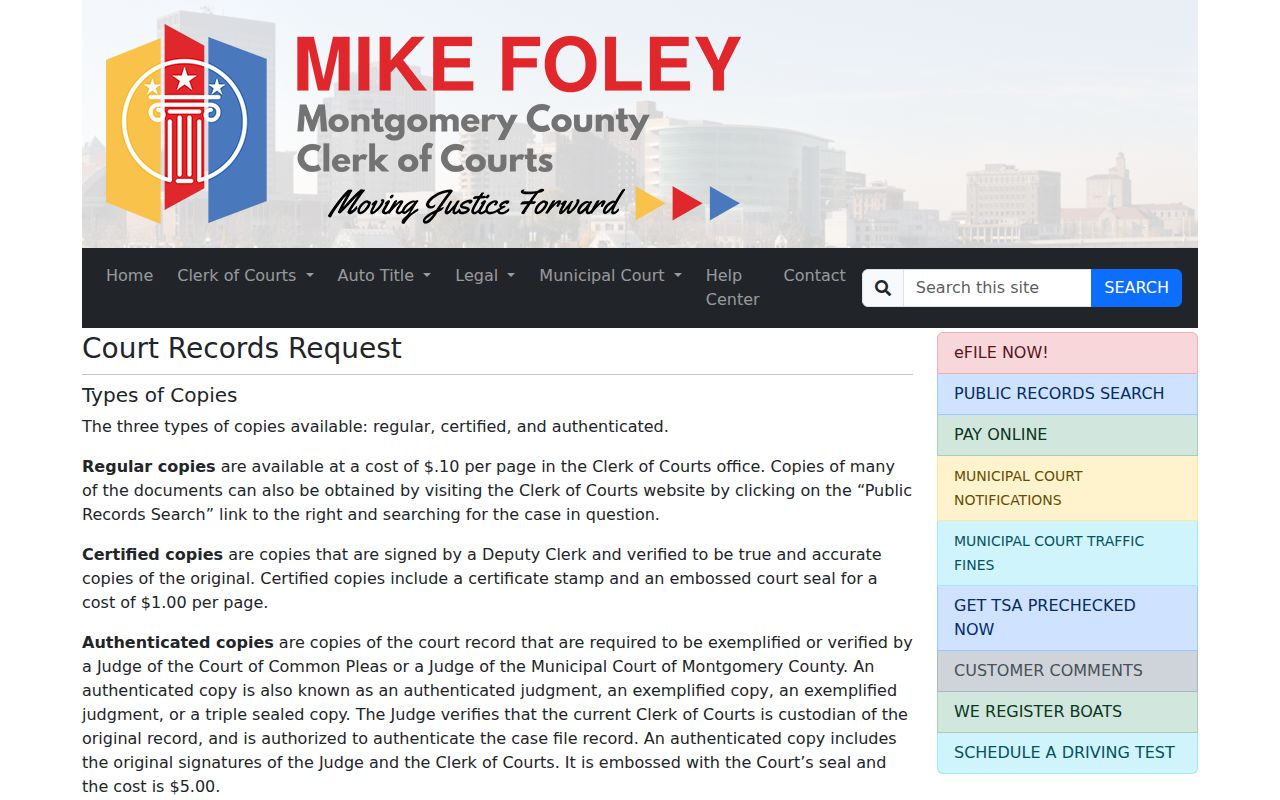
The official copy route distinguishes an online case lookup from the clerk's process for a paper or certified court record.
PRO Docket Entries and Certified Records
PRO is useful because the Clerk describes the visible docket entries as the exact entries on the official court docket. It is nevertheless a convenience service, not a certificate of authenticity. A person who needs a certified docket, judgment, or document should use the records request route rather than treating a printout or screenshot as an official copy.
Document images and docket entries are also different things. The Clerk says many redacted images normally appear 48 to 72 hours after filing. An entry can therefore be visible while its image is still processing, confidential, suppressed from online viewing, technically unavailable, or associated incorrectly. The correct next step depends on the court and access restriction, not on an assumption that a missing PDF means there is no case record.
The Clerk's public-record statement explains the distinction between its online public view and court records available through its offices.
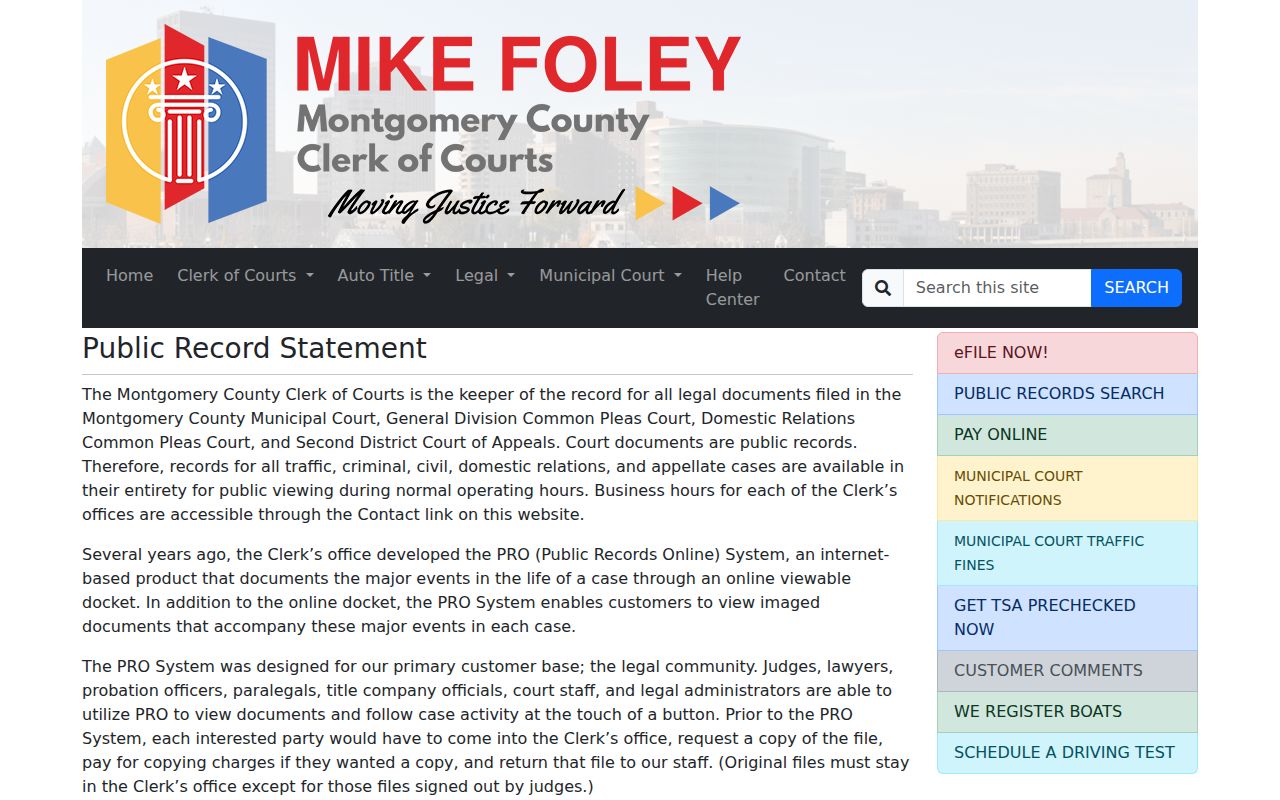
That statement is the practical reason to use PRO for locating public docket entries and the Clerk for authentication or a document unavailable online.
Court Record Types
Record type and court division control the retrieval route. The Clerk's PRO coverage includes County Municipal traffic, criminal, and civil cases; Common Pleas General civil and criminal cases; Domestic Relations; and Second District appellate matters. The same countywide-looking portal is not a Probate or Juvenile search, and it does not replace independent city municipal court records.
- Online docket: a dated list of major case events and docket entries for PRO-covered courts.
- Filed document image: a redacted image associated with a docket event when it is publicly available online or directly through the Clerk.
- Orders and judgments: the court's signed rulings and disposition records, available subject to access limits.
- Certified copy: a deputy-clerk-signed true and accurate copy carrying the certificate stamp and embossed court seal.
- Authenticated or exemplified copy: an enhanced authentication involving the judge and Clerk when a recipient specifically requests that form.
- Probate or Juvenile record: a separately maintained court file that may have different search, certification, or confidentiality rules.
Montgomery County Court Record Custodians
The right custodian follows the court, not merely the subject of a case. The Clerk of Courts keeps the PRO-covered Common Pleas, County Municipal, Domestic Relations, and Second District layers. Probate records have their own court search and Probate clerk process, while Juvenile filings are held by the Juvenile Court Clerk. A city-issued municipal citation may belong with Dayton Municipal Court, Kettering Municipal Court, or another city court rather than the County Municipal divisions.
A transcript belongs with the appropriate court reporter or court, not automatically with the Clerk's document-copy request. Physical exhibits, sealed material, and archived files can likewise have a separate procedure. Identifying the court and record type before paying for copies prevents a request from being sent to a counter that cannot issue the record.
Inside a Montgomery County Court Record
A docket is the chronological record of what the court entered, while the case file can contain the documents behind those entries. A viewable PRO result can identify the case header, court, case type, dates, setting history, docket entries, and redacted documents that are available. What appears depends on the division and the case-specific access rules.
| Case Number | The court identifier. Local examples use year and case-type coding, such as 2025 CR 01234 or County Municipal traffic coding like 2026 TRD 00001 W. |
|---|---|
| Case Header | Court or division, case type, filing context, and parties or representatives as the court displays them. |
| Docket Entries | Dated filings, notices, hearings, orders, and results. PRO describes its covered entries as exact official-docket entries. |
| Documents | Redacted filed images when available. A document can lag the entry or be unavailable because of processing, confidentiality, suppression, or a technical issue. |
| Orders & Judgments | The rulings and recorded disposition that should be read with later entries before drawing a conclusion about a case. |
Mail a Montgomery Court Record Request
A mail request is a concrete fallback when an in-person visit or online image will not do. For a Common Pleas record, request the copy through the Records Section and first obtain the page total. The published process requires advance payment and a self-addressed stamped envelope. Cash, check, and money order are accepted; County Municipal Court also accepts credit cards.
Include the practical identifiers staff need to locate the record: court or division, case number if known, the requested item, the needed copy type, and delivery preference. The Clerk does not publish a mandatory standardized request form in the materials reviewed, so do not treat a particular template as required. For County Municipal files, use the Eastern or Western Division channel that holds the case.
Fees and Certified Copies
An ordinary copy is for reference, while a certified copy bears the deputy clerk's certification, certificate stamp, and embossed court seal. An authenticated, exemplified, or triple-sealed copy adds judicial and clerk authentication. Select that form only when the recipient asks for it. These are copy charges, not a claim that every document is available or that PRO itself can certify authenticity.
| Item | Amount |
|---|---|
| Regular copy from the Clerk | $0.10 per page |
| Certified copy | $1.00 per page |
| Authenticated, exemplified, or triple-sealed copy | $5.00 |
| Probate copy | $1.00 per page under Probate's separate policy |
Montgomery County Clerk of Courts Records Section
41 N. Perry Street, Room 104
Dayton, OH 45422
937-496-7762
Historic Montgomery County Court Records
Older records may not be searchable through PRO even though the county retains them. The Montgomery County Records Center & Archives lists civil appearance dockets beginning in 1803, criminal docket and blotter series beginning in 1836, Court of Appeals docket material beginning in 1913, and many case-file, journal, book, and microfilm collections. A no-result in PRO is not proof that a nineteenth- or twentieth-century record never existed.
The archive route is the Records Center & Archives at 117 S. Main Street, sixth floor, Dayton. It publishes weekday hours of 8:00 a.m. to 5:00 p.m. and 937-225-6366, and notes that its small staff may have a substantial request queue. Give the court, date range, case type, and known reference when asking staff to locate a historic court record.
The county's Historical Records Collection Guide identifies the docket books, microfilm, and court-file series held through this separate route.
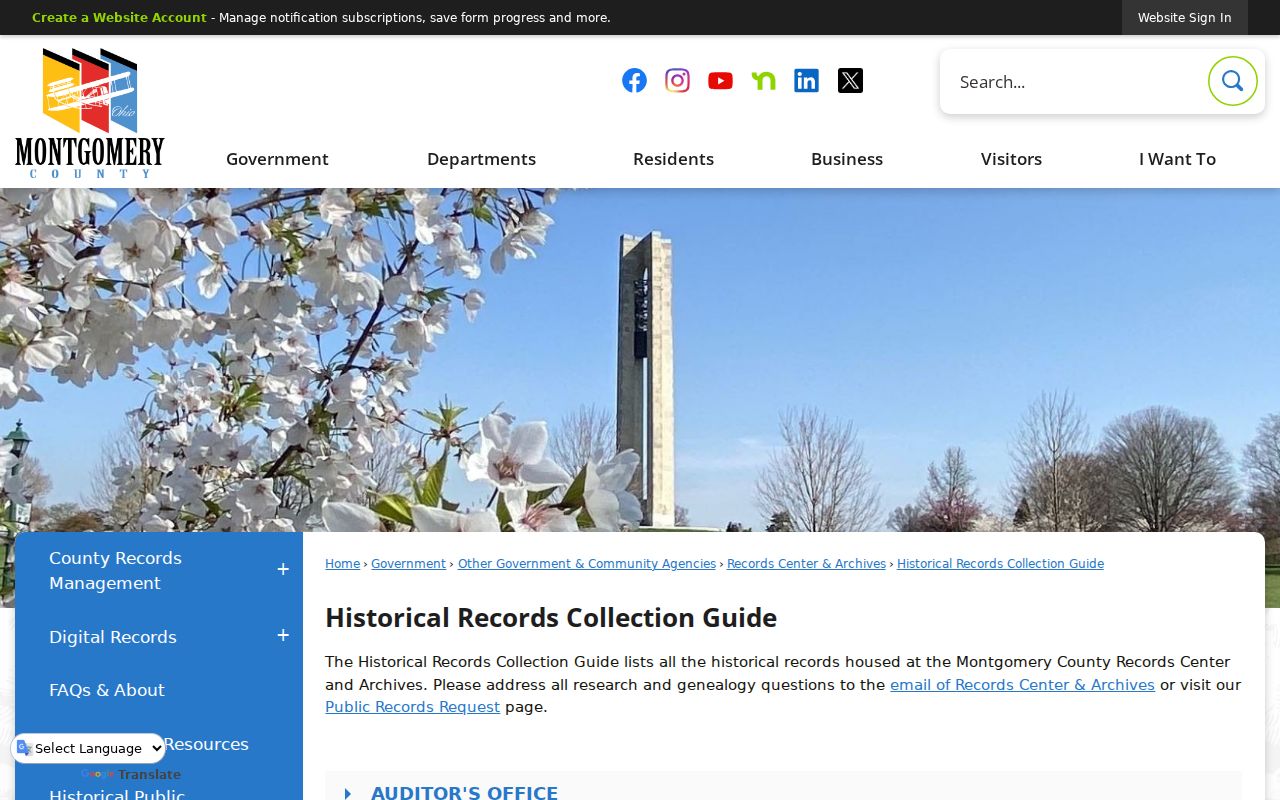
Using the collection guide before a visit helps distinguish an archived docket search from a current PRO lookup.
Montgomery Clerk Image Processing Window
For a current PRO-covered case, the docket entry and the corresponding image do not always arrive together. The Clerk says redacted document images normally become available 48 to 72 hours after filing. That timeframe is an ordinary processing window, not a promise that every filing will be remotely viewable.
If the entry is present but the image is not, check the docket again after processing and use the Clerk's direct-access or copy route when the record is needed. Confidential, restricted, intentionally suppressed, or technically unavailable documents follow different access rules, so a missing image should not be characterized as a final case result.
Sealed Records and Public Access
Ohio court records are governed principally by the Ohio Rules of Superintendence rather than a generic county-records request process. Sup.R. 44 and 45 begin with a presumption of public access, including direct and remote access, but allow defined exclusions and court-ordered restrictions. The Ohio Public Records Act, R.C. 149.43, governs administrative public records; court case documents are principally handled under the Supreme Court access rules.
Montgomery's Clerk says that traffic, criminal, civil, domestic-relations, and appellate records are available for in-person public viewing during normal business hours unless a court decides otherwise. The online view can be narrower. Protection-order categories are not available in PRO, redacted images can be delayed or suppressed, Juvenile records have separate limits, and Probate adoption and mental-health matters have confidentiality rules. A missing image is not automatically a sealed record.
Key Rules:
Ohio Rules of Superintendence 44-45 - court records are presumed open subject to stated exclusions and access restrictions.
R.C. 2303.12 - Common Pleas clerks maintain the statutory dockets and provide readable reproductions subject to applicable limits.
Ohio Public Records Act, R.C. 149.43 - administrative records are inspectable and copyable, while court-case access follows the court rules.
For the statutory public-record text, see the Ohio Public Records Act.
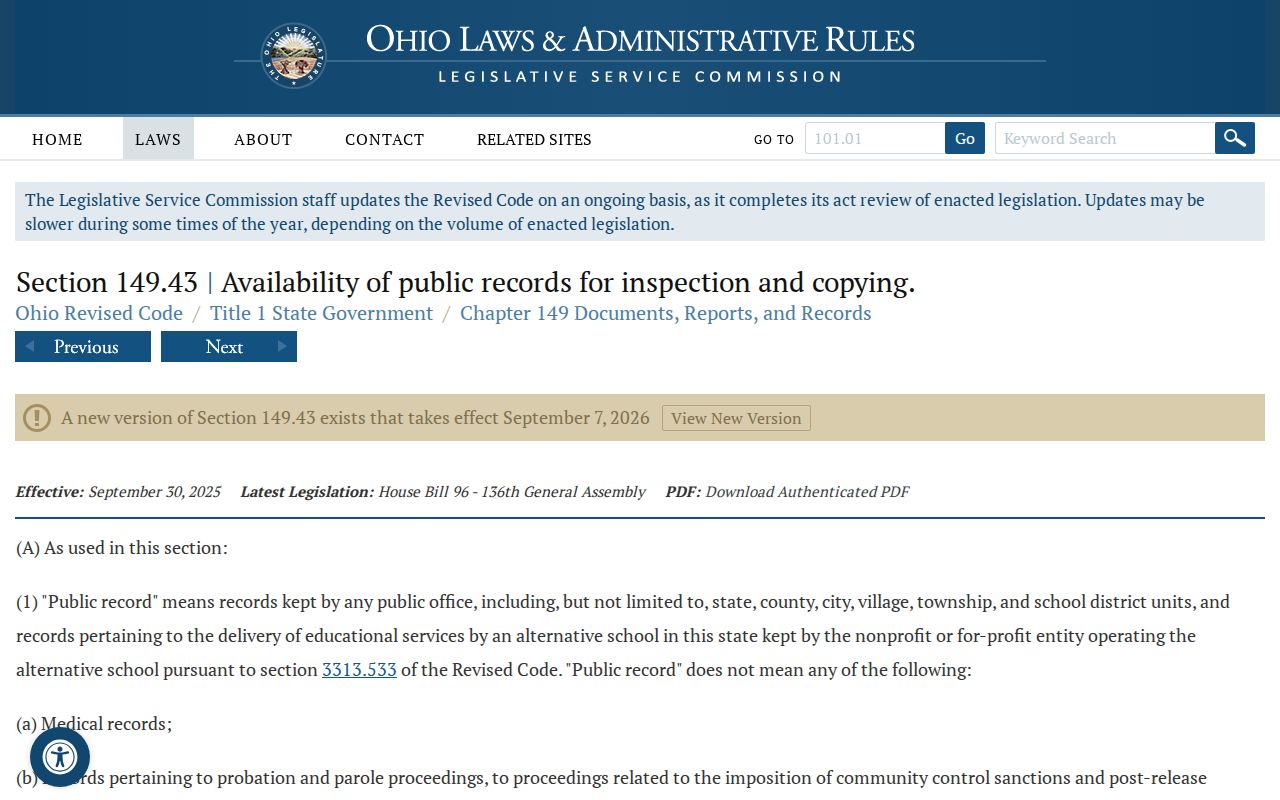
The statute is useful context, but a request for a judicial case file still requires the relevant court and Clerk access process.
For the juvenile-record rule cited in the county research, see R.C. 2151.356.
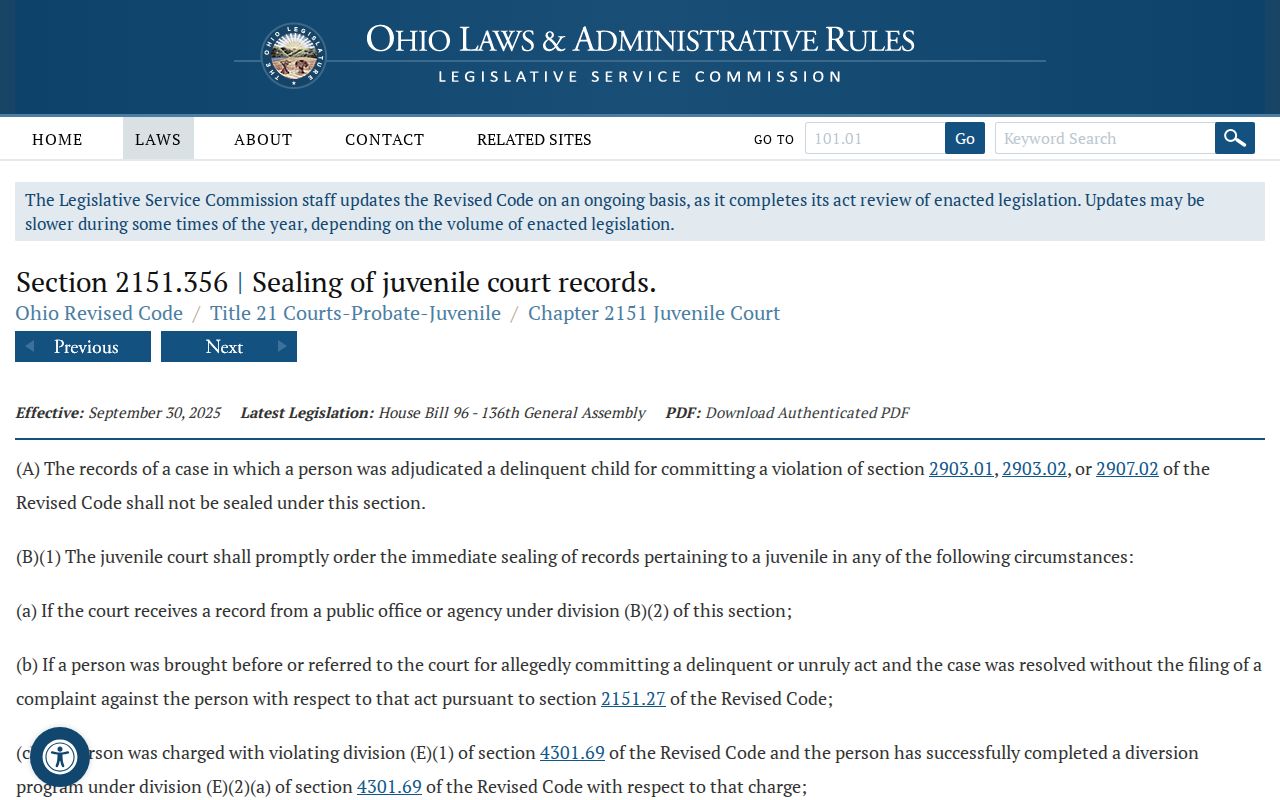
Juvenile confidentiality and sealing limits reinforce why a PRO search is not a complete countywide court-record index.