
Searching the Dayton Court Docket
Dayton Municipal Court handles city ordinance matters and state misdemeanor and traffic cases. It also covers limited civil matters, small claims, and the preliminary stage of felonies. For city records, the starting point is the Dayton Clerk portal, not Montgomery County PRO. That portal splits its work into Traffic & Criminal, Civil, Parking, Photo Enforcement, Jury, and Docket. The split matters. A Dayton court docket belongs to a case type. It belongs to a clerk division too, not just a city name.
Keep your first search short and exact before attempting a broad party search. The traffic and criminal forms take a case number. They also take a filing date paired with a Criminal or Traffic selection, or a ticket number. The case-number form offers 17TR15 as its sample. The ticket route shows 180519. A Dayton civil inquiry uses its own menu and the sample 2003-CVG-000000. When you need a live setting, read the docket from the newest entry upward.
- Open the Dayton Clerk route that matches the citation or case type.
- Enter the case number or ticket number first; use filing date only when the exact identifier is unavailable.
- Open the Dayton case result and compare the newest entry with earlier notices or payments.
- Use the Dayton daily docket report for a courtroom and date, not as a substitute for case history.
- Call the Dayton clerk division when a record is missing, a copy is needed, or a current setting remains unclear.
Dayton Clerk Docket Routes
Six practical routes sit inside the Dayton Clerk’s official portal. Traffic and criminal searches cover city court cases. Civil search is a separate Dayton docket channel. Parking and photo enforcement each have their own citation paths. The Docket tile builds a date-and-courtroom report. This structure keeps a Dayton court docket search from blending a civil camera notice into a traffic-criminal case record.
| Dayton route | Best use | Key input |
|---|---|---|
| Traffic & Criminal | Traffic or criminal case history | Case, filing date, or ticket |
| Civil | Dayton civil docket | Case number or civil search route |
| Docket report | Dayton hearing list for a date | Courtroom and court date |
| Photo Enforcement | Civil camera citation process | Ticket or plate route |
Dayton Municipal Court is the official court gateway behind those routes. The court and the Dayton Clerk hold the underlying city records together. If a city search comes up empty, do not fill the gap with a broad county portal.
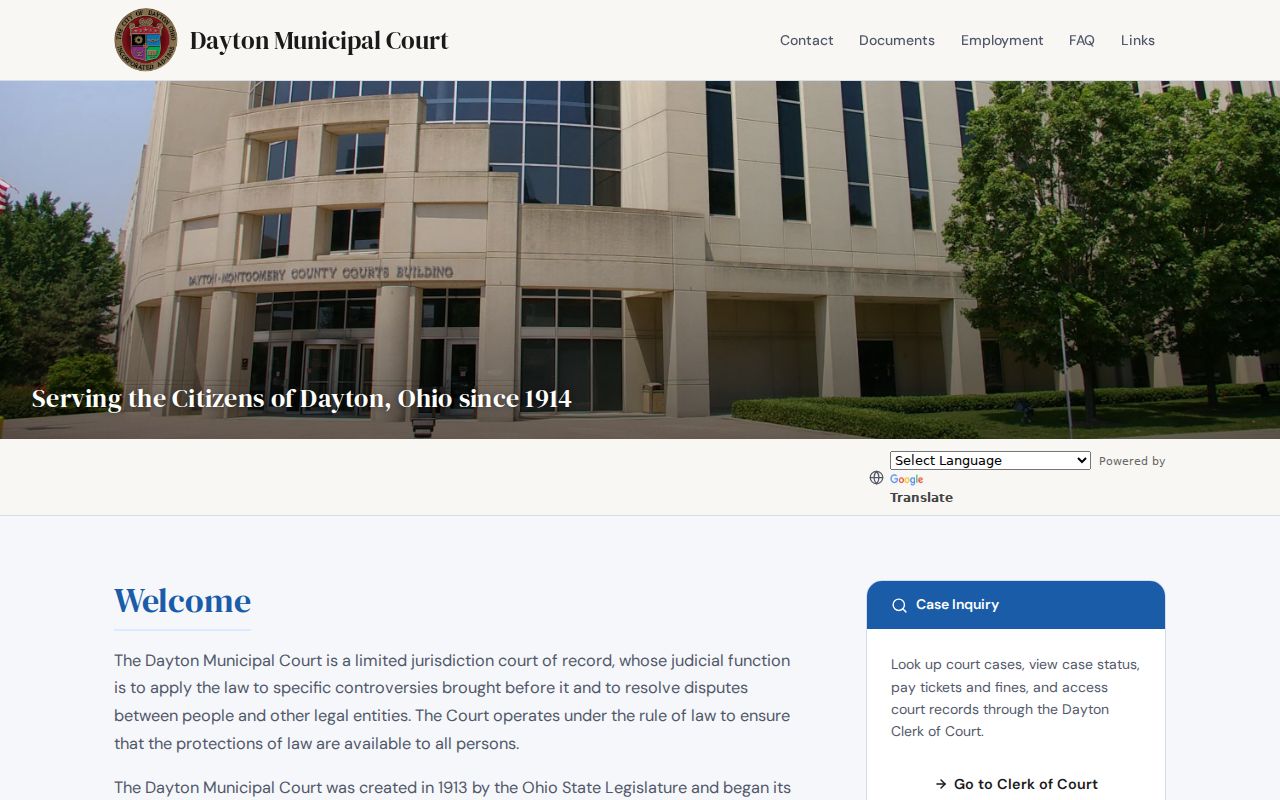
The court’s official gateway confirms the point. Dayton runs its own municipal docket route before any case reaches a county division.
Dayton Municipal Court Basics
Dayton Municipal Court has sat at 301 W. Third Street in Dayton since 1914. Its docket covers city ordinances and state traffic and misdemeanor cases. It reaches civil matters up to $15,000 and small claims up to $6,000. The municipal stage of felony matters sits here too. The Dayton clerk’s public-record divisions are Central Payments, Civil, Criminal, and Traffic. One Dayton docket can therefore hold a magistrate session, a judge event, a payment entry, or a civil status. Those labels do not all mean the same thing.
The Traffic division records court entries and orders. It handles payment plans and accepts bail or bond. Arraignments for non-incarcerated people and minor-misdemeanor trials go through the magistrate office. That division of labor explains why a Dayton docket may show a magistrate event first. Judicial action may come later. Treat the docket as a dated event record, not a story of the case.
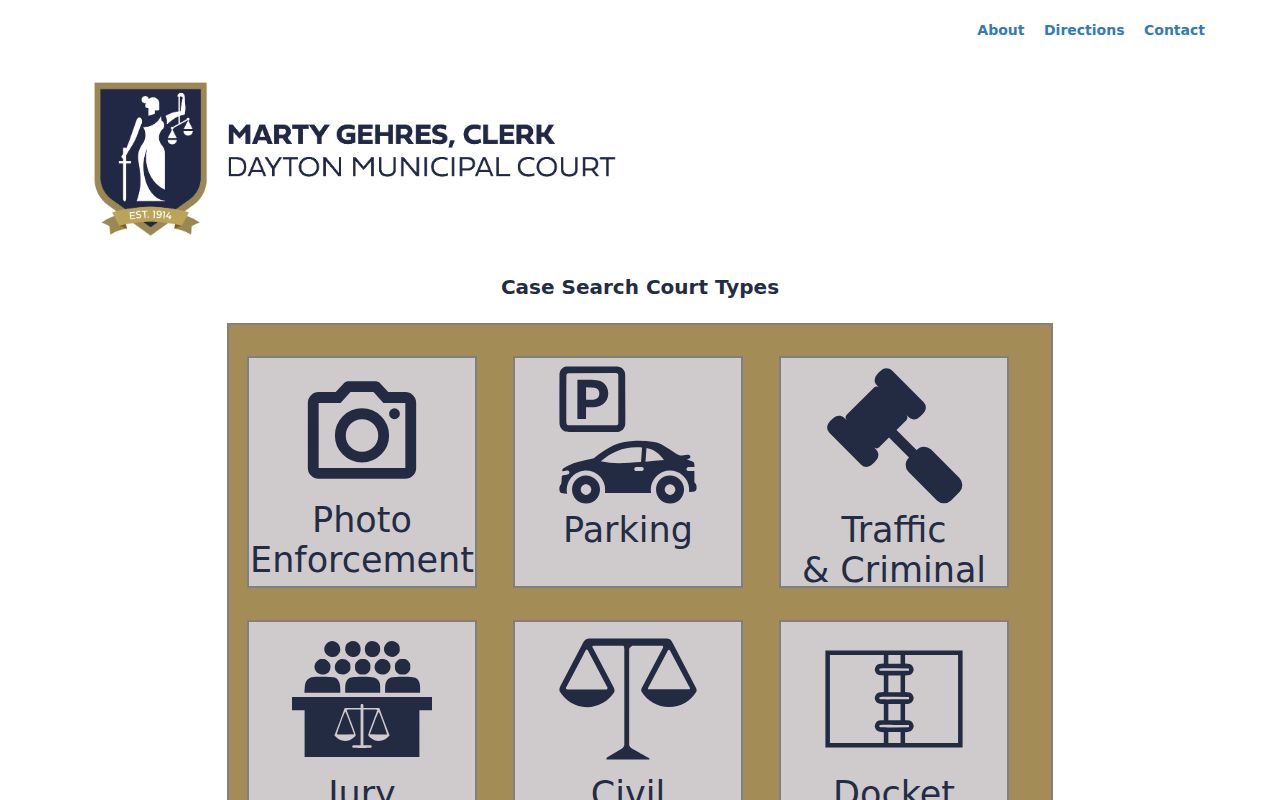
The Dayton Clerk portal separates those record channels on purpose. It lets a city docket search begin with the right office and case category from the start.
Dayton Daily Docket Reports
Think of the Dayton daily docket report as a calendar tool. You must enter both Courtroom and Court Date. From there you can pick All Day, Morning, or Afternoon. You can also sort hearings by defendant name or case number. The report does not replace the Dayton case inquiry. It tells you who is listed for one courtroom on one day. The case record tells you what has happened in one matter.
Dayton’s courtroom dropdown lists 1A Civil Magistrate and 1B Traffic/Criminal Magistrate. It also lists 3A Judge Logan, 3B Judge Henderson, 4A Judge Roberts, 4B Judge Gehres, and 4C Judge Spells. Pull the room from the current notice or the most recent Dayton docket entry. A continuance can make an earlier notice stale. So confirm any questionable Dayton setting with the clerk.
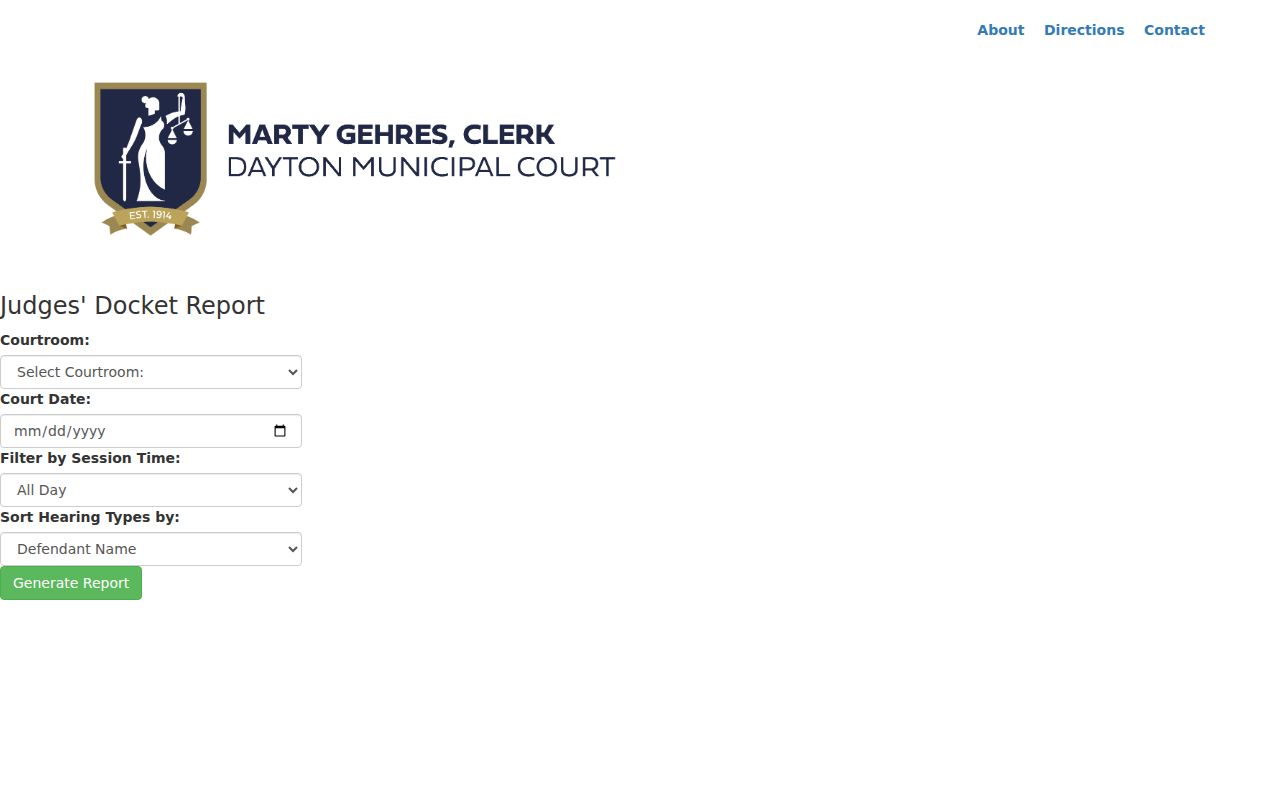
The official Dayton report form treats courtroom and court date as separate inputs for a calendar search.
Court Dates and Settings in Dayton
Verify a Dayton court date in steps. Check the city case record first. Then use the current daily report if you know the courtroom, and the Dayton clerk or assigned judge’s office if the entries conflict. A setting might be an arraignment, a pretrial, or a trial. It could also be a payment-related event or a hearing before a magistrate. The label alone is not the result. The later Dayton docket entry will show any continuance, order, disposition, or reset.
| Date | The Dayton docket date for the listed court event; a later entry can replace it. |
|---|---|
| Time | The report’s morning, afternoon, or listed session context. |
| Courtroom | The selected Dayton magistrate or judge courtroom on the daily report. |
| Judicial officer | The Dayton judge or magistrate assigned to the scheduled event. |
| Setting type | An event such as arraignment, pretrial, trial, or other scheduled court action. |
For a first missed appearance, Dayton publishes a specific court-contact process. Other missed settings go through the assigned judge’s office. Paying online will not resolve every Dayton failure to appear.
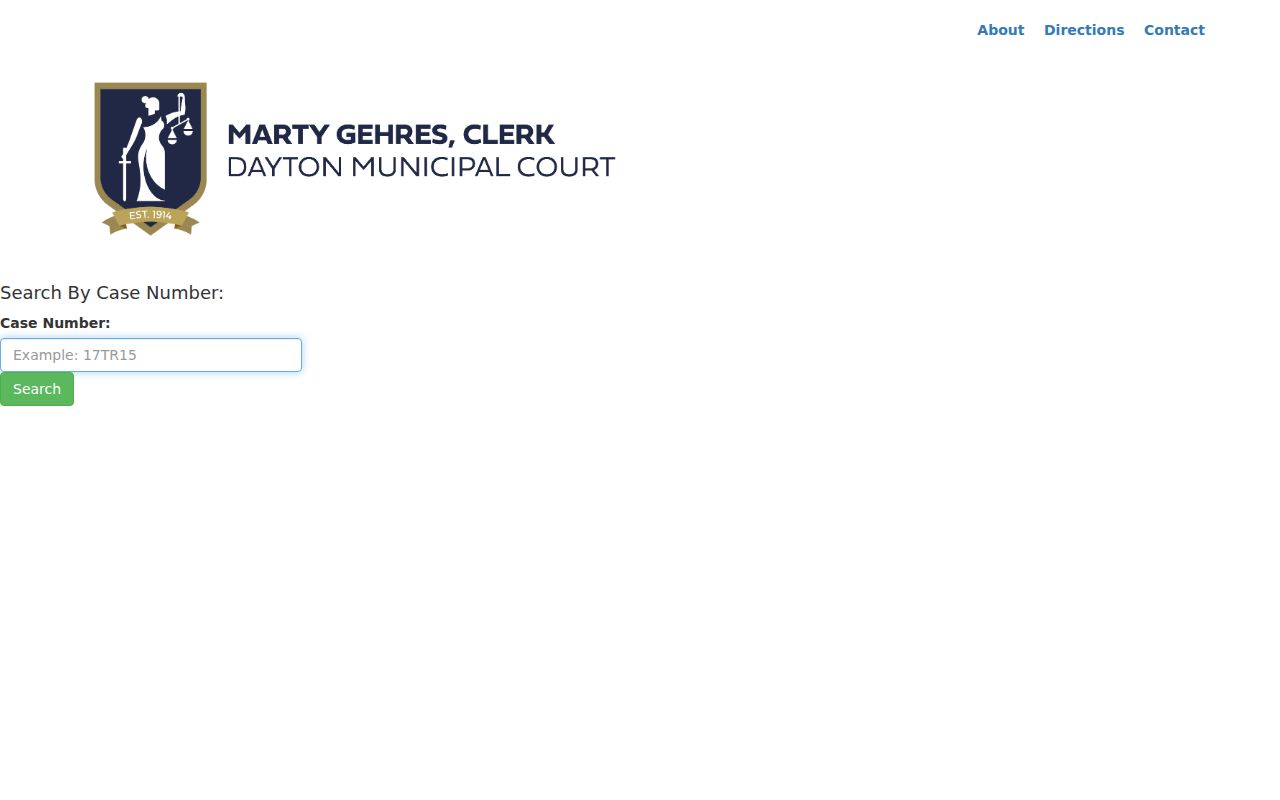
The official case-number form supports an exact Dayton docket lookup before a court-date check.
Dayton Traffic Ticket Timing
Don't panic if a Dayton ticket isn't online yet. Traffic and criminal tickets take up to five business days to appear. Electronic parking citations move faster, about 12 hours. Handwritten parking citations take two business days. So an empty result can simply mean the ticket hasn't posted, not that a Dayton case is lost. Wait for the published window. Then use the right Dayton ticket route, or call the Traffic division at 937-333-4310. Dayton's 2024 annual report counted more than 6,000 Traffic Division cases within 23,259 judicial cases overall. The city court also posted a 101% clearance rate. That figure describes the system as a whole, not the odds in any one Dayton docket. For a search, a case number or ticket number beats the detailed personal-attribute filters that some forms offer.
Traffic Tickets in Dayton
Not every Dayton ticket needs a courtroom. Minor-misdemeanor traffic and criminal citations, along with parking tickets, can often be resolved by payment. Check the lower right corner of your ticket. That is where a required appearance date and time appear. The Dayton docket is the court record tied to the citation. A payment option may look open to you. But it says nothing about whether you must show up. It never substitutes for the live docket entries on the case.
Paying by mail? Send it early. Dayton asks that mailed payments arrive at least four days ahead of the court date. That lowers the odds of a warrant. Walk-in payments go to the downtown criminal and traffic counter on weekdays. After hours, on weekends, and on holidays, the Jail Clerk Office takes them. Read the citation and the current Dayton docket entries before you pick a route. For the wider area, Montgomery County traffic tickets walks through the Eastern and Western municipal procedures too.
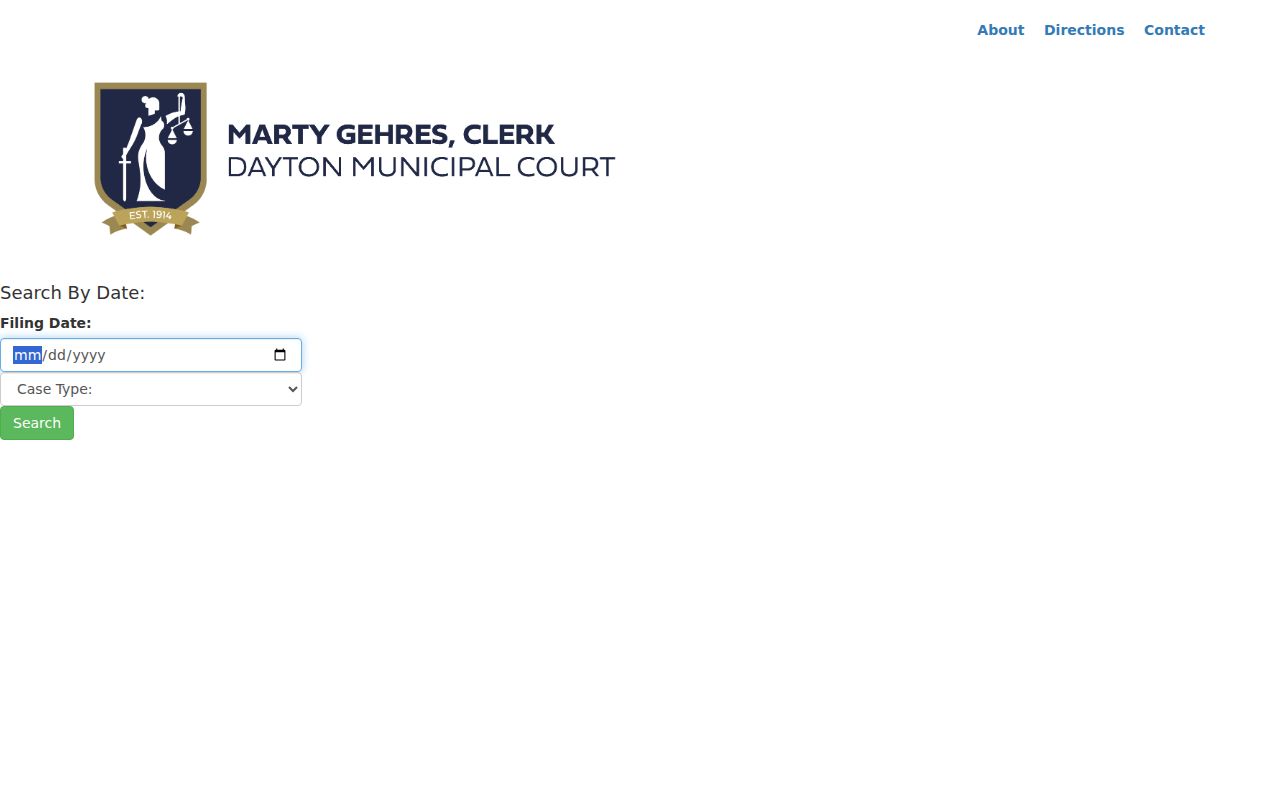
To search by filing date in Dayton, pick Traffic or Criminal as the case type; the system requires one, which keeps the city's docket categories separate.
Dayton Photo Enforcement Records
Camera cases in Dayton run on their own civil track. A photo-enforcement notice is not a traffic-criminal docket entry. It adds no points. It never touches the driving record. The Dayton Clerk offers ticket-number and license-plate lookups for these notices, but the camera images stay offline. So a Dayton court record for a camera case is not the same as access to the photo itself. Money and deadlines matter here. The city allows 30 days to contest. It adds a $25 late fee. A $40 court fee applies if liability is found. Whether you can pay online depends on the violation-date rules printed with the citation. Is your date outside the portal's stated ranges? Follow the printed notice instead of forcing a Dayton traffic search to answer a photo-enforcement question.
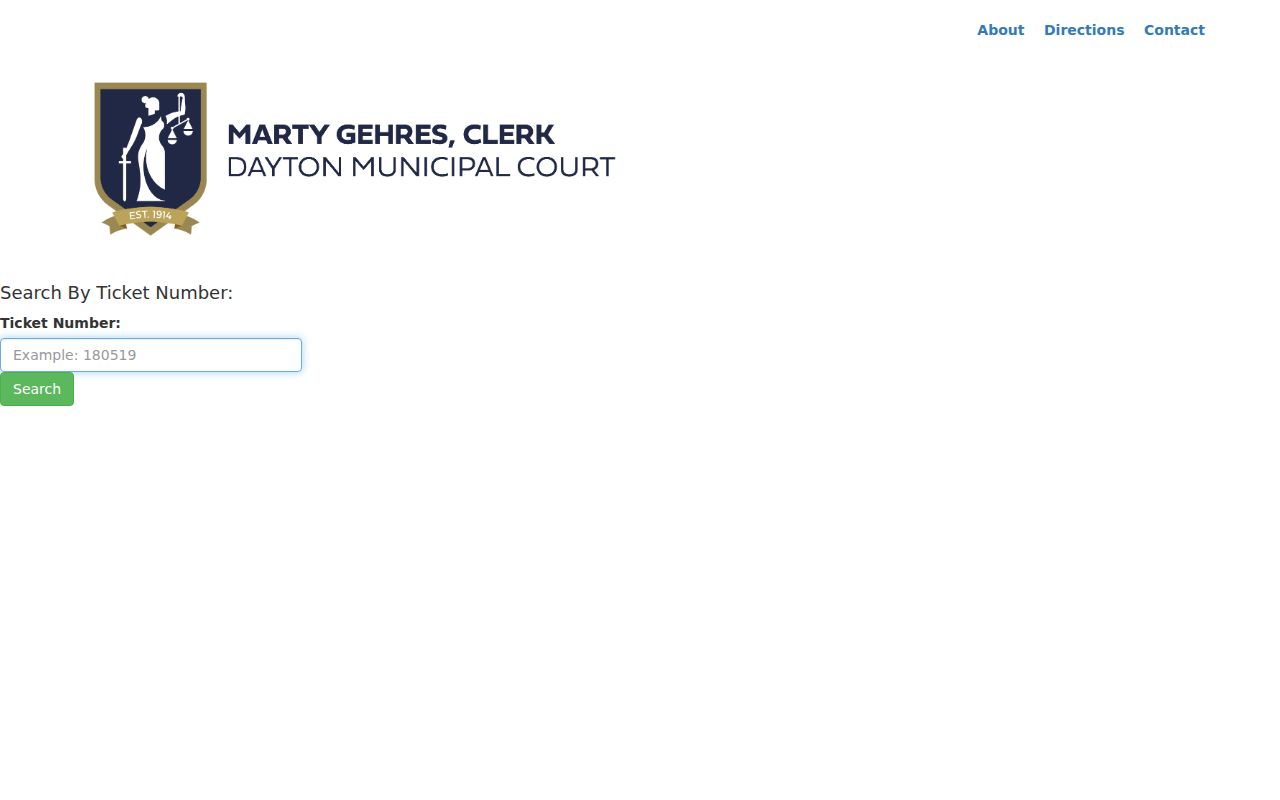
The official Dayton ticket form works from exact identifiers. That makes it a clean route for a city ticket inquiry without reproducing private-party results.
Where Dayton Cases Go
Dayton felonies begin in the municipal court. The first stage, or a preliminary proceeding, happens there. The felony trial record then moves to Montgomery County Court of Common Pleas General Division. Expect different case numbers and docket events between the two matters. Preserve both identifiers. Search the Dayton Clerk for the municipal stage and PRO under Common Pleas CRIMINAL for the county case.
Docket flow: Dayton Municipal Court › Montgomery County Courts › Court of Common Pleas
Civil and small-claims cases stay put. When they fall within municipal jurisdiction, Dayton keeps them. An appeal from the city shows up through the Second District Court of Appeals of Ohio in the local clerk system. Broader county routes are summarized on the Montgomery County court docket home page.
Dayton Court Record Access Rules
The clerk divisions hold the city case files. Each can explain the current copy or certification procedure for its record type. Dayton's contact matrix lists Civil at 937-333-4471. It gives Criminal at 937-333-4315 and Traffic at 937-333-4310. The main Clerk sits at 937-333-4300. No single universal certified-copy price is published. Ask the specific division rather than applying a county Clerk fee to a city-court record. An online docket is a useful public view. It is not a certified copy. Ohio court access runs principally on the Rules of Superintendence. The Ohio Public Records Act covers administrative public records. Dayton records can be redacted, restricted, or simply unavailable online under those court rules. A missing image never proves the city case failed to exist.
Key Rules:
Sup.R. 44–45 presumes access to court records while allowing defined exclusions and restrictions.
Ohio Public Records Act, R.C. 149.43 governs access to administrative public records, while court files follow the court-access rules.
R.C. 2303.12 describes docket duties of Common Pleas clerks and supports the county-level record path after a Dayton case transfers.
Note: Confirm the newest Dayton entry and any requested copy directly with the clerk division. That division maintains the original city court record.
Dayton Civil Docket Statuses
Dayton's Civil menu stands apart from Traffic & Criminal. Its published statuses include Open, Closed, Pending, Judgment, Satisfied, Dismissed, Dismissed (DWOP), Appeal, Bankruptcy Stay, Stay, and Transferred. Each word describes a local civil case status. None of them is a criminal disposition. When a Dayton civil record is needed, use its separate case-number route, or ask the Civil division for the city case file and the current copy procedure.
Dayton Docket and Case Files
Three different questions get asked in Dayton. A daily docket report shows one courtroom's scheduled matters. A case inquiry traces the full history of a single Dayton case. Certification questions go to the Clerk. That office holds the city case file. Keep the tasks separate, and a calendar line or payment result won't be mistaken for the whole record. When a case is missing online, first check the correct portal category and the normal intake period. Then contact the Civil, Criminal, or Traffic division with the case or ticket number.